
Sage integration for Sage 50, Sage 200 and Sage Accounting
Your books are in Sage.
- Fixed price
- 6-month warranty
In the UK, Sage means three different products: Sage Accounting in the cloud, Sage 50 Accounts on an office PC or server, and Sage 200 for larger teams with stock and several users.
More
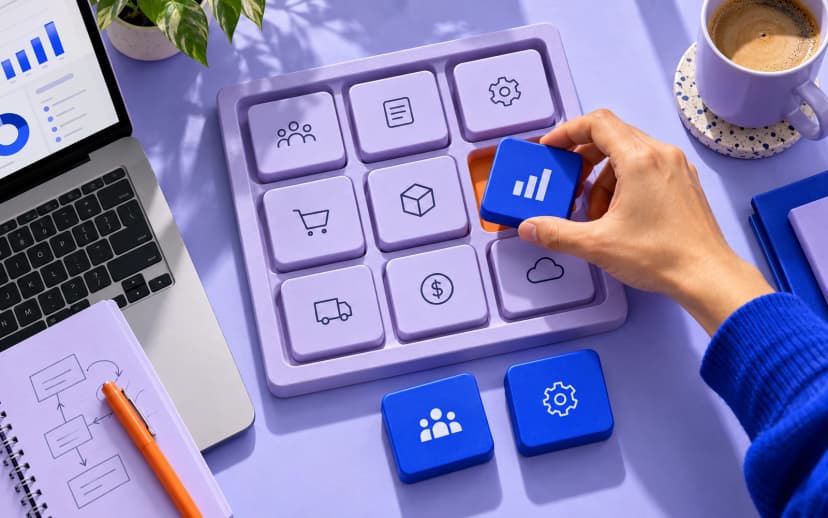
Each connects in its own way: an API for Sage Accounting and Sage 200, a desktop toolkit or ODBC for Sage 50. Sales often still arrive by CSV import or by hand, which also breaks the digital links Making Tax Digital asks for. We build the connection that fits your edition and keep the trail from sale to VAT return.
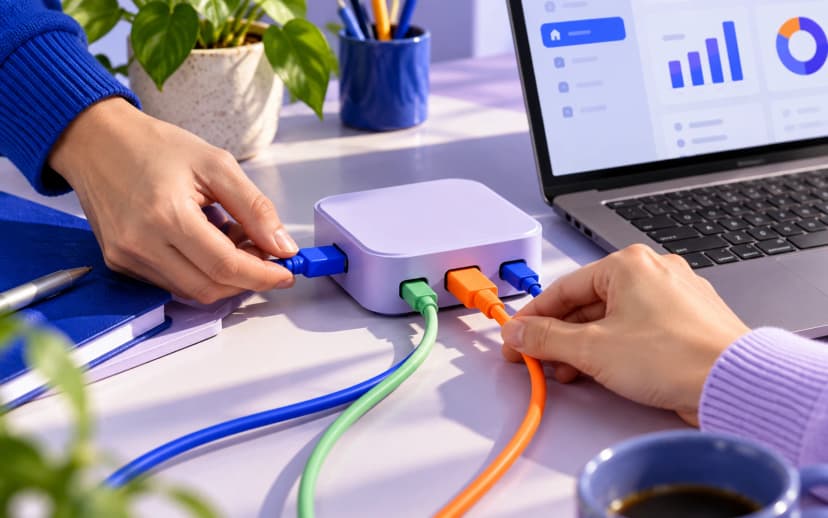
We connect it to your shop, CRM, ePOS and payment tools so sales and payments arrive posted correctly, with no spreadsheets or retyping in between.
What it costs
Tap what you need. The starting price shows next to each item.
- Integrationfrom £1,900
- Workflow automationfrom £1,900
- Data migrationFixed quote after a brief
- Dashboards and reportsFixed quote after a brief
- Support and updatesFixed quote after a brief




More
The first release has a fixed price, agreed in writing before work starts. Six-month warranty on what we deliver.
Licences of the system itself are paid to its vendor, not to us.
- Integration
- Two-way sync with your website, shop, bank or other systems, through the API or an export.
- Workflow automation
- Approvals, reminders, documents and hand-offs that run without manual steps.
- Data migration
- Customers, products, open items and history moved and checked.
- Dashboards and reports
- The numbers you need from one source, without spreadsheets in between.
- Support and updates
- Fixes, version upgrades and small changes after launch.
Projects close to this one
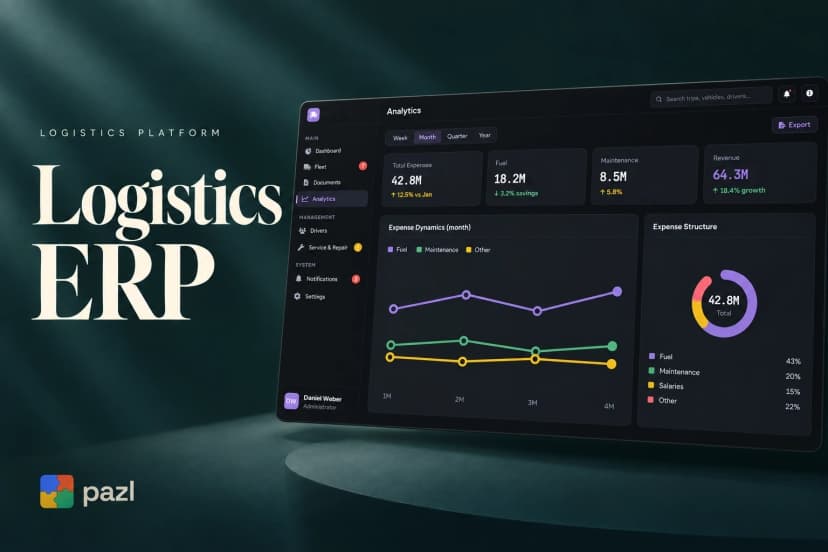
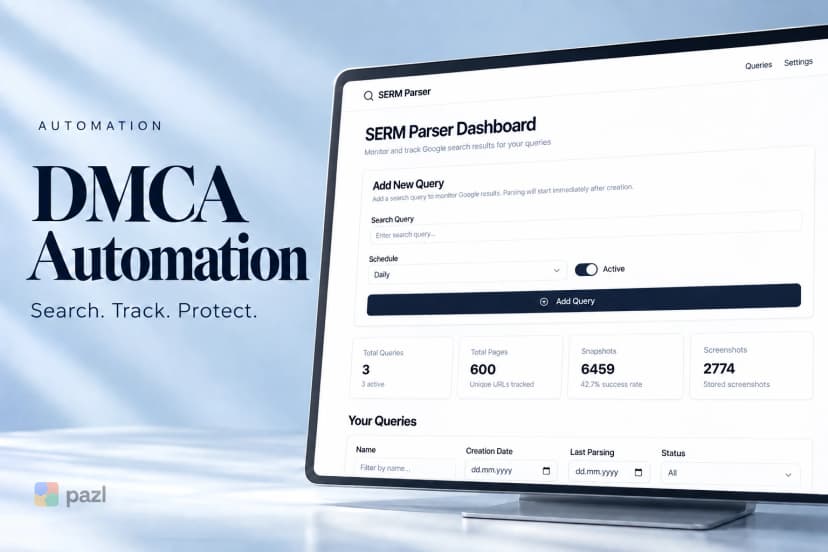
Client projects with the same kind of work: integrations, internal systems, automation and apps.
What has to work: United Kingdom
- Making Tax Digital
- Open Banking
More
- Making Tax Digital
- VAT records kept digitally and returns filed from compatible software.
- Open Banking
- Bank feeds and pay-by-bank through the UK’s open banking APIs.
What goes into Sage, and from where
Pick a record and follow it
Choose a record and see where it comes from, where it goes and when it moves.
Sage: what we build
- Shop and marketplace sales
- CRM and ePOS invoicing
- Payouts and bank
- Sage 50 beyond the office
- Migration between editions
- Reports without exports
More
- Shop and marketplace sales
- Shopify, WooCommerce or Amazon orders, refunds and fees posted to Sage as invoices or daily summaries with the right tax codes.
- CRM and ePOS invoicing
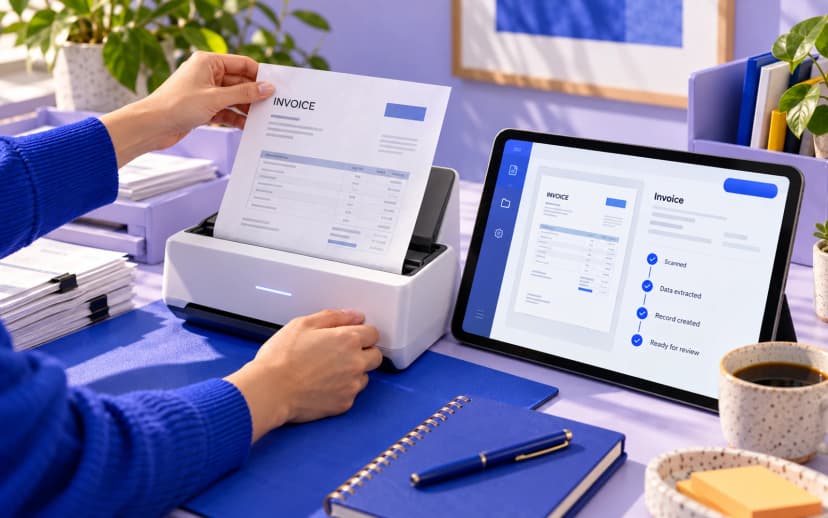
- Invoices from your CRM or till system created in Sage with customer account, nominal code and tax code.
- Payouts and bank
- Stripe, PayPal and card payouts split into receipts and fees, so they match the bank feed line by line.
- Sage 50 beyond the office
- Customers, stock and balances from a desktop Sage 50 made available to cloud tools through a small sync service.
- Migration between editions
- From Sage 50 to Sage Accounting or Sage 200, or out of Sage: customers, suppliers, nominal ledger and open items moved and checked.
- Reports without exports
- Sales, margin and aged debtors pulled from Sage into a dashboard, instead of a spreadsheet rebuilt every month.
What changes in day-to-day work
From the first call to go-live
- Brief
- Scope and fixed price
- Build on a test copy
- Your acceptance
- Go-live and warranty
More
- Brief A call or the form: what you run, what should connect, where it hurts.
- Scope and fixed price Systems, data flows and edge cases written down, with one fixed price.
- Build on a test copy We connect and test against a sandbox or a copy of your data, never live first.
- Your acceptance You check real cases: a refund, a new tax rate, a duplicate customer.
- Go-live and warranty The switch-over with monitoring, then six months of warranty on what we built.
Questions about Sage
Sage 50, Sage 200 or Sage Accounting: does it matter which one we run?
Yes. They are separate products with different ways in: an API for Sage Accounting and Sage 200, a desktop toolkit or ODBC for Sage 50. We check your edition and version first, because that decides what the integration can do.
Does the integration help with Making Tax Digital?
It keeps the digital links: sales move from your shop or CRM into Sage with no copy and paste or retyping. The VAT return is still filed from Sage, which is built for it. Your accountant confirms the process as a whole.
Our Sage 50 runs on an office PC. Can it connect to cloud tools?
Yes. A small service runs next to Sage 50, reads and posts data through its interfaces and syncs with your shop or CRM over a secure connection. The machine has to be on when the sync runs, so we agree the schedule with you.
Should we move from Sage 50 to the cloud?
Not always. If Sage 50 does the job and your team knows it, an integration is often the cheaper route. If you need remote access, more users or several entities, we migrate you to Sage Accounting, Sage 200 or another system and check the balances before the switch.
Can Sage 200 talk to our warehouse or e-commerce system?
Yes. Sage 200 has a REST API. We use it to sync stock levels, pass orders in and send dispatch and invoice status back, with a scheduled import where an object is not exposed.
1 more question
What does a Sage integration cost?
The first integration starts at the price shown on this page. The fixed price follows a short brief on your Sage edition, the systems around it and your volumes.

An integration with your accounting has to be dull and exact. I make sure every flow is agreed in writing and tested on a copy of your data before it touches the real books.
Anatoly MikhailovFounder of Pazl
Keep exploring
Tell us about your Sage setup.
What you run, what should connect, where it hurts. You get scope and a fixed price.